UlazAI - AI Image & Video Tools
Kling 4.0. Give your images motion.
Make a 3-30 second clip with native audio, from text, references or ordered keyframes.
720p · 5 s · 171 credits
- 3–30 s
- Clip length
- 720p / 1080p
- Resolution
- 15
- reference items total
- 10
- keyframes
References or keyframes?
Guide the content
References can combine up to 10 images and 5 videos, within a total of 15 items. In your prompt, use @image_1 and @video_1 to identify uploads. Video inputs must be 2-30 seconds each, at most 30 seconds combined.
Control the order
Upload images in chronological order: first, middle frames, last. A 3-second clip allows 4 frames; a clip of 9 seconds or more allows 10. With any frame attached, the first frame sets the aspect ratio.

Kling 4.0 Flash: the same references for less, at 720p
Flash runs the same reference mode: text, images, videos and named subjects. You give up 1080p, clips longer than 20 seconds and standalone voices. In return the per-second rate is about 40% lower without video input and a third lower with video.
| Generation settings | Kling 4.0 Flash | Kling 4.0 |
|---|---|---|
| Resolution | 720p | 720p / 1080p |
| Clip length | 3–20 s | 3–30 s |
| Reference video, combined | 2–20 s | 2–30 s |
| Standalone voices | No, bind a voice to a character | Up to 3 |
| 5 s at 720p, no video | 102 credits | 171 credits |

@mila walks slowly down the street and smiles at the camera.Kling 4.0 Flash limits and prices checked on 5 November 2026.
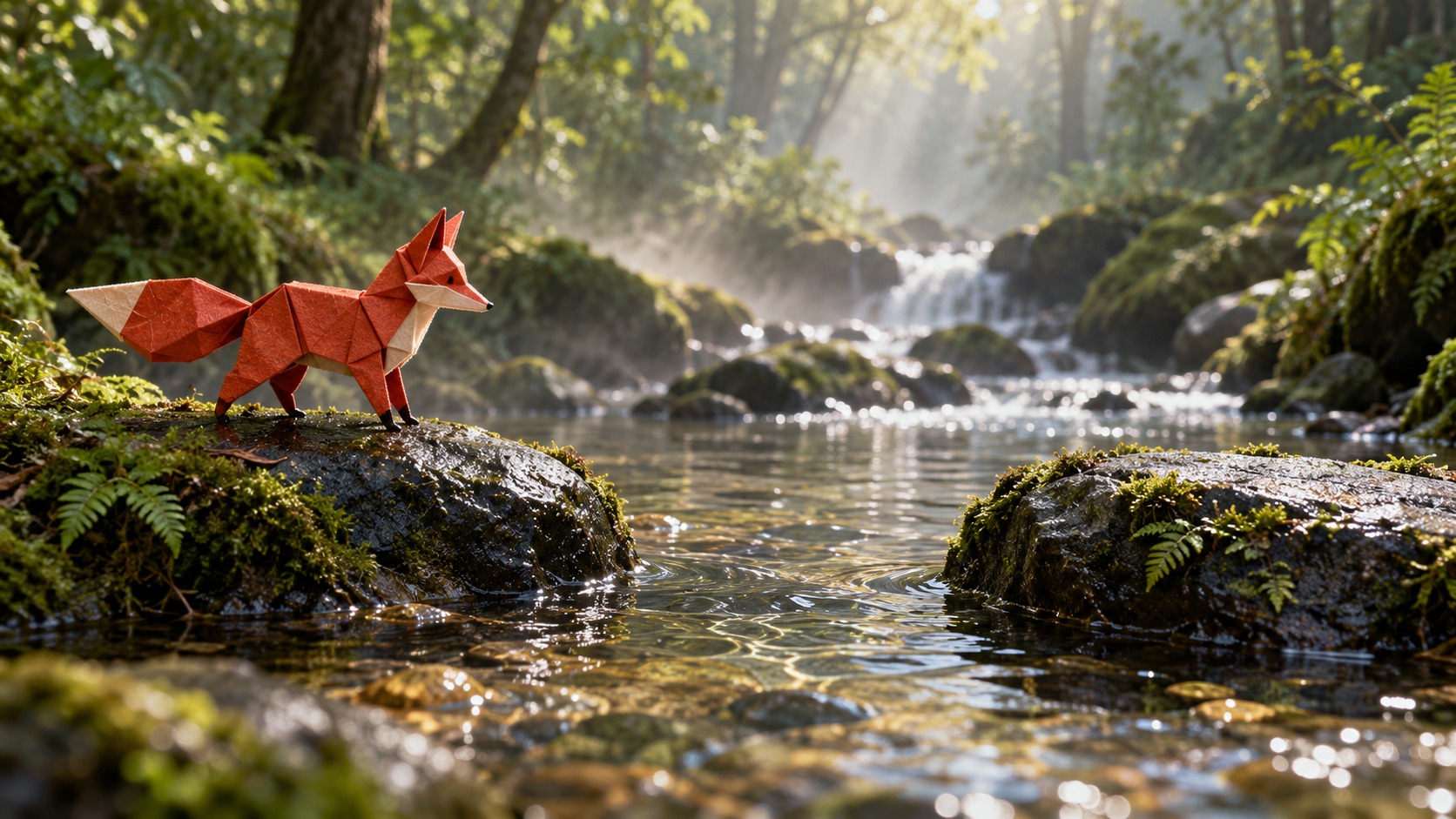
Kling 4.0: one fox, two ways to animate it
The source images were generated separately. These are our raw Kling 4.0 videos: 3 seconds at 720p. Image-reference and keyframe runs each cost 103 UlazAI credits.

Exact prompt
Locked-off camera, one continuous 3-second shot. At 0.0s the red folded-paper fox from @image_1 stands on the left stone. 0.2-0.6s it crouches. 0.6-2.0s it leaps cleanly to the right stone. 2.0-3.0s it lands and holds. Preserve the paper folds and red-white identity; keep the forest camera and sunlight fixed while water ripples and ferns move gently. Sound of stream water and a small paper rustle. No text, no cuts.
Check the credits before generating
The lower rate for video references does not mean a lower total. Input video changes the billed duration. Add up all source clips, including character videos.
Native audio included. 720p or 1080p; 4K is not available.
A 5-second reference increases a 10-second bill
Without video: rate × output seconds. With video: rate × max(2 × output, input + output). Combined input duration is rounded up to whole seconds before billing.
| Input video | Billed duration | 720p credits |
|---|---|---|
| No video | 10 s | 342 |
| 5-second reference | 20 s | 408 |
| 15-second reference | 25 s | 510 |
Named subjects and voices through the API
Use kling_4_0_reference or kling_4_0_keyframe through the Video Studio API. Named subjects and voices are API controls; the Studio accepts images, videos and ordered frames.
Video API documentationModel limits and prices checked on 24 October 2026. Prices are UlazAI credits. Failed generations are refunded.
720p or 1080p; 4K is not available.
- Is Kling 4.0 available on UlazAI?
- Yes. Choose References or Keyframes in Video Studio, or send the corresponding model slug to the Video Studio API.
- Can I turn native audio off?
- Without video input, Kling 4.0 generates native audio automatically. With video references, you can choose to keep their original sound. There is no silent generation parameter.
- Can I use Kling 4.0 Flash?
- Yes. Choose Kling 4.0 Flash in Video Studio or send kling_4_0_flash_reference to the API. Flash only does references: 720p, 3-20 seconds, no standalone voices. For keyframes, use the full Kling 4.0.