UlazAI - AI Image & Video Tools
Product Shot Studio
Product Shot Studio for Ecommerce
Upload one product photo. Make a clean shop image, a lifestyle version and an ad-ready visual from the same product.
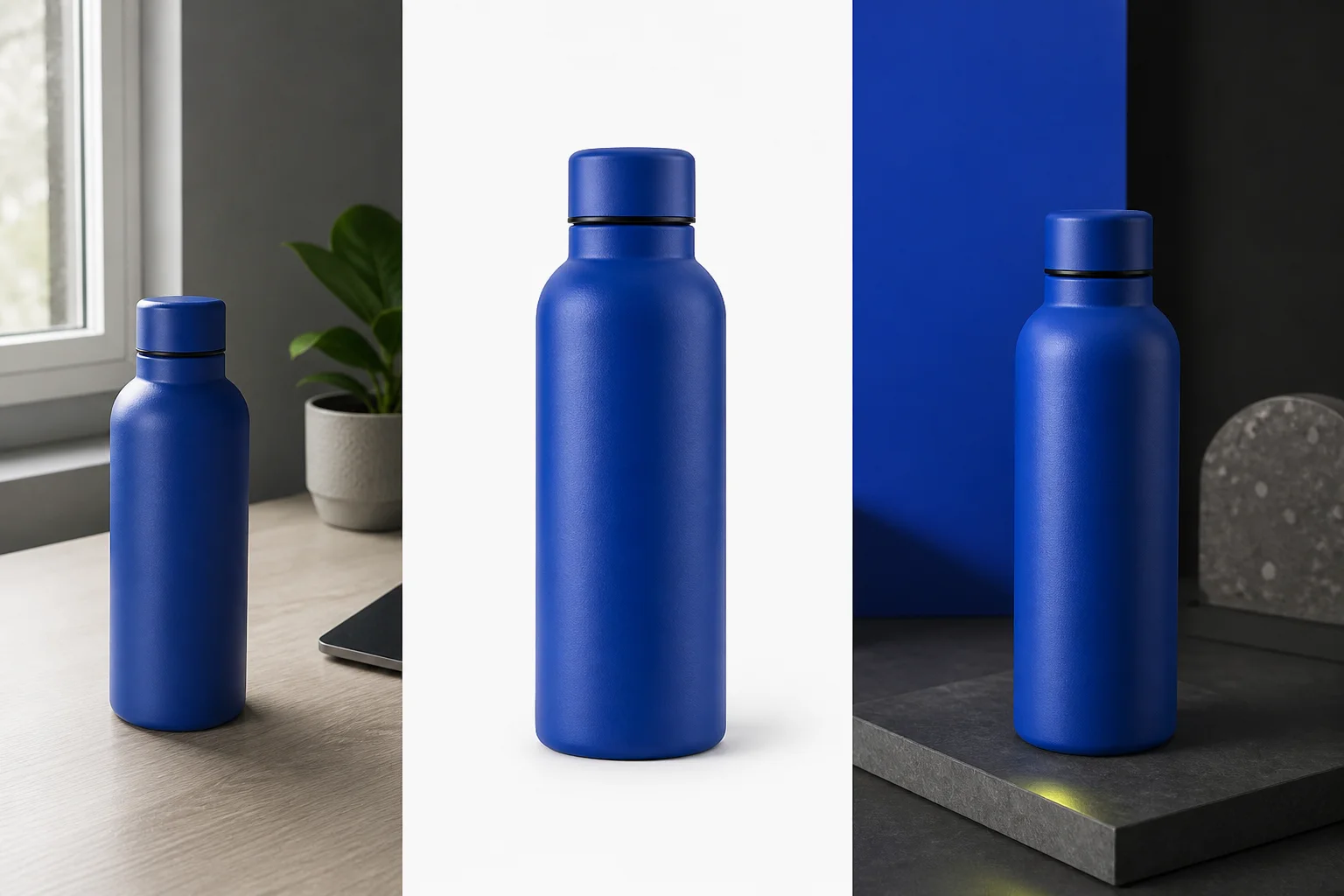
Where will the image be used?
Amazon, Shopify and social feeds crop, compress and judge product images differently. Start with the final placement.
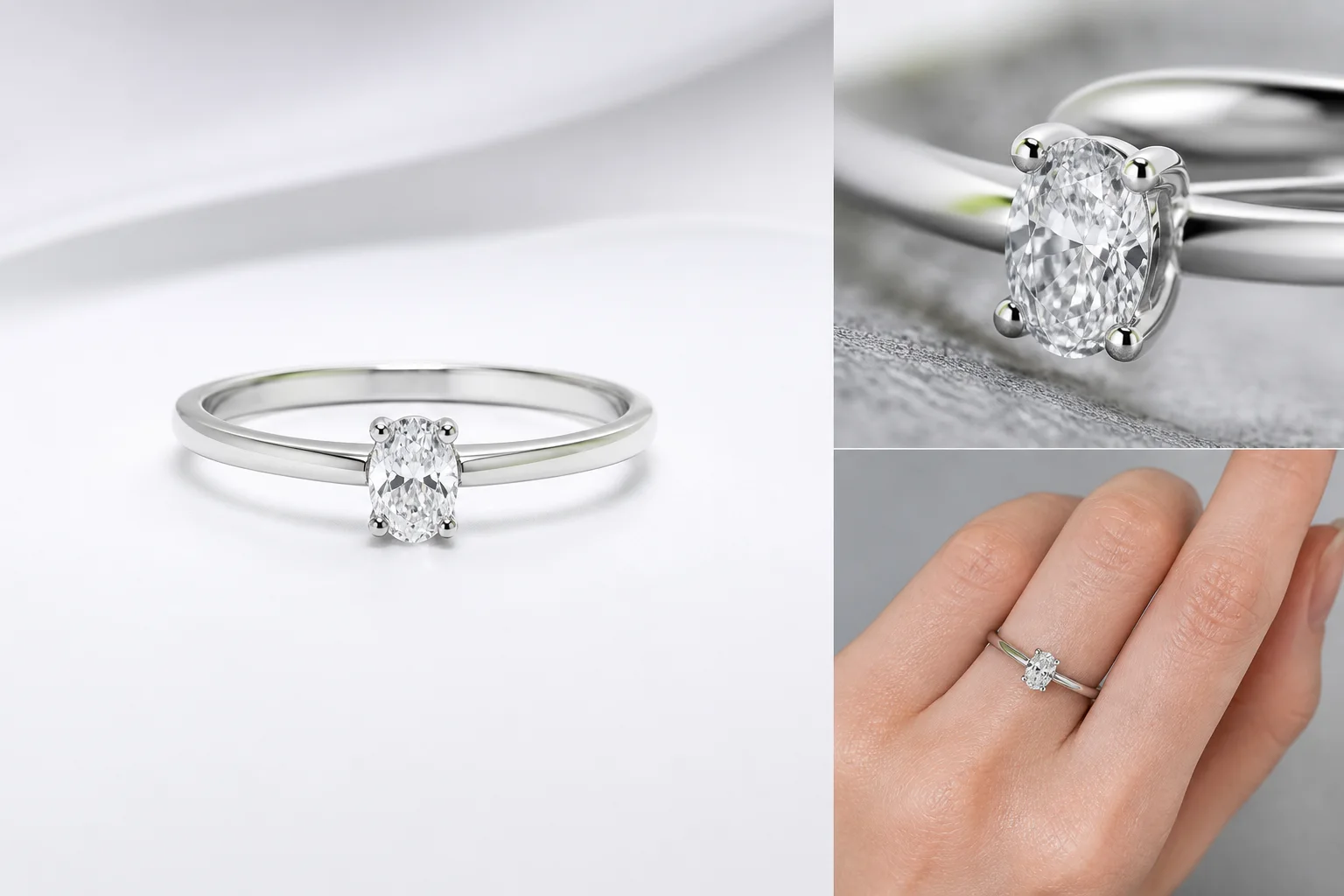
A good image never changes the product
Background, light and framing can change. Shape, material, color and small product details must stay true to what the customer receives.
See the jewelry detail checkStart with your product
Different materials fail in different ways. Start with the product closest to yours.
Choose the shot you need
Pick the final image you need before you write the prompt.
Compare your current workflow
Keep the tool that does the job better. Switch only when image generation or editing is the bottleneck.
Make one useful image first
Start with your strongest source photo. If the product stays accurate, make the rest of the set from the same reference.