UlazAI - AI Image & Video Tools
Now in Image Studio
Qwen Image 3 Pro puts the extra detail where you can see it: at 2K.
Pro costs 6 credits per image at 1K and 12 at 2K. The standard Qwen Image 3 charges 5 credits at either size. So at 1K you pay one credit more, and at 2K you pay more than double. Everything else, from the reference images to the seed, is the same on both.
- 1K
- 6 credits
- 2K
- 12 credits
- Reference images
- Up to 3
- Aspect ratios
- 8
Per finished image. Prompt only or with references, the price does not move.
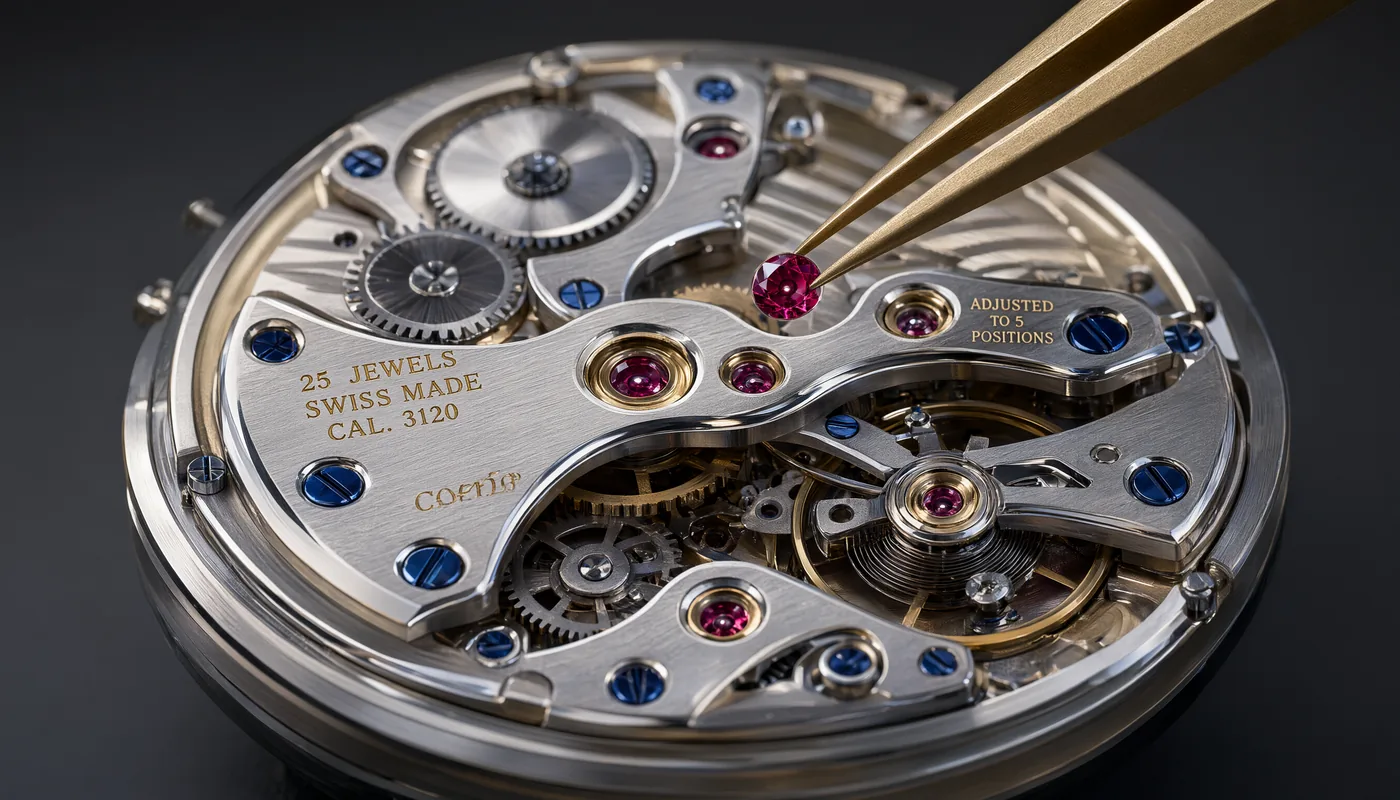
Detail only counts when someone can zoom in
A model that renders every thread of a jacket is wasted on a 400 pixel blog thumbnail. That is the whole story of Pro against the standard model. The finer rendering is there, but it needs the pixels of a 2K frame to be visible, and it needs a viewer who gets close enough to care. Decide by where the image ends up, not by which model has the better name.
Where you actually see it
Four kinds of work where the extra rendering earns its credits, and one honest warning underneath.
Material you have to believe
Wool, leather, brushed metal, ceramic glaze, condensation on glass. At 2K there are enough pixels for the weave and the grain to hold together instead of turning into a smooth suggestion of fabric.
Faces at close range
Skin, stray hairs, the edge of an iris. This is where a soft render gives itself away fastest, and where a viewer needs no training at all to feel that something is off.
Product shots that get printed or zoomed
A packshot on a shop page has a zoom button next to it. A poster gets looked at from thirty centimetres. Both punish the resolution you saved on.
Editing against three references
Both models take up to 3 reference images. When you are carrying a product or a face across shots, the finer rendering makes the copied details easier to match at full size.
What we are not going to do is put a percentage on it. We have no benchmark for Pro against the standard model, so we are not inventing one. Set a seed, run the same prompt on both at 2K, and look at the two files side by side at 100 percent. That costs 17 credits and answers the question for your work rather than ours.
Pro next to Qwen Image 3
The standard model is not a stripped version. It takes the same inputs, offers the same controls and costs 5 credits whether you ask for 1K or 2K. The split is a price split, and it lands very differently depending on the resolution you work in.
| What you get | Qwen Image 3 | Qwen Image 3 Pro |
|---|---|---|
| Price at 1K | 5 credits | 6 credits |
| Price at 2K | 5 credits | 12 credits |
| Detail | Enough for web, social and layout work | Finer, and mostly visible at 2K |
| Text to image | Yes | Yes |
| Image to image | Yes, up to 3 reference images | Yes, up to 3 reference images |
| Aspect ratios | 1:1, 3:2, 2:3, 4:3, 3:4, 16:9, 9:16, 21:9 | 1:1, 3:2, 2:3, 4:3, 3:4, 16:9, 9:16, 21:9 |
| Output | 1K or 2K, PNG or JPEG | 1K or 2K, PNG or JPEG |
| Negative prompt, seed, prompt rewriting | All three, rewriting on by default | All three, rewriting on by default |
| Where it opens | /image/qwen_image_3/ | /image/qwen_image_3_pro/ |
Read the first two rows together and the choice writes itself. At 1K you are gambling one credit. At 2K you are spending 7 extra credits per image, which on a batch of fifty is 350 credits, and that is a decision worth making on purpose.
Every control Image Studio hands you
The same set on Pro and on the standard model, so a prompt you tuned on one runs unchanged on the other.
| Control | What it takes | Notes |
|---|---|---|
| prompt | Your description of the image | Works on its own for text to image |
| image_urls | Up to 3 reference images | Turns the job into image to image |
| image_size | 1:1, 3:2, 2:3, 4:3, 3:4, 16:9, 9:16 or 21:9 | 21:9 for banners, 9:16 for phone screens |
| resolution | 1K or 2K | This is the field that doubles your credit cost on Pro |
| output_format | PNG or JPEG | PNG for editing, JPEG when the file size matters |
| negative_prompt | Up to 5,000 characters | What you do not want to see in the frame |
| seed | A number you choose | Same seed and prompt gives you a repeatable result |
| prompt rewriting | On by default | Expands a short prompt before generating; switch it off when you wrote the prompt precisely |
Fix the seed before you compare anything. Without it you are comparing two random draws and calling it a test.
What it costs per image
Credits come off your wallet per finished image. References, aspect ratio and output format change nothing; the resolution does.
| Resolution | Qwen Image 3 Pro | Qwen Image 3 | Difference |
|---|---|---|---|
| 1K | 6 credits | 5 credits | 1 credit more |
| 2K | 12 credits | 5 credits | 7 credits more, so more than double |
One image, 1K
6 credits
One image, 2K
12 credits
Ten images, 1K
60 credits
Ten images, 2K
120 credits
Ten finished 2K images cost 120 credits on Pro and 50 on the standard model. Find your prompt at 1K first, then spend the 2K credits once, on the one that works.
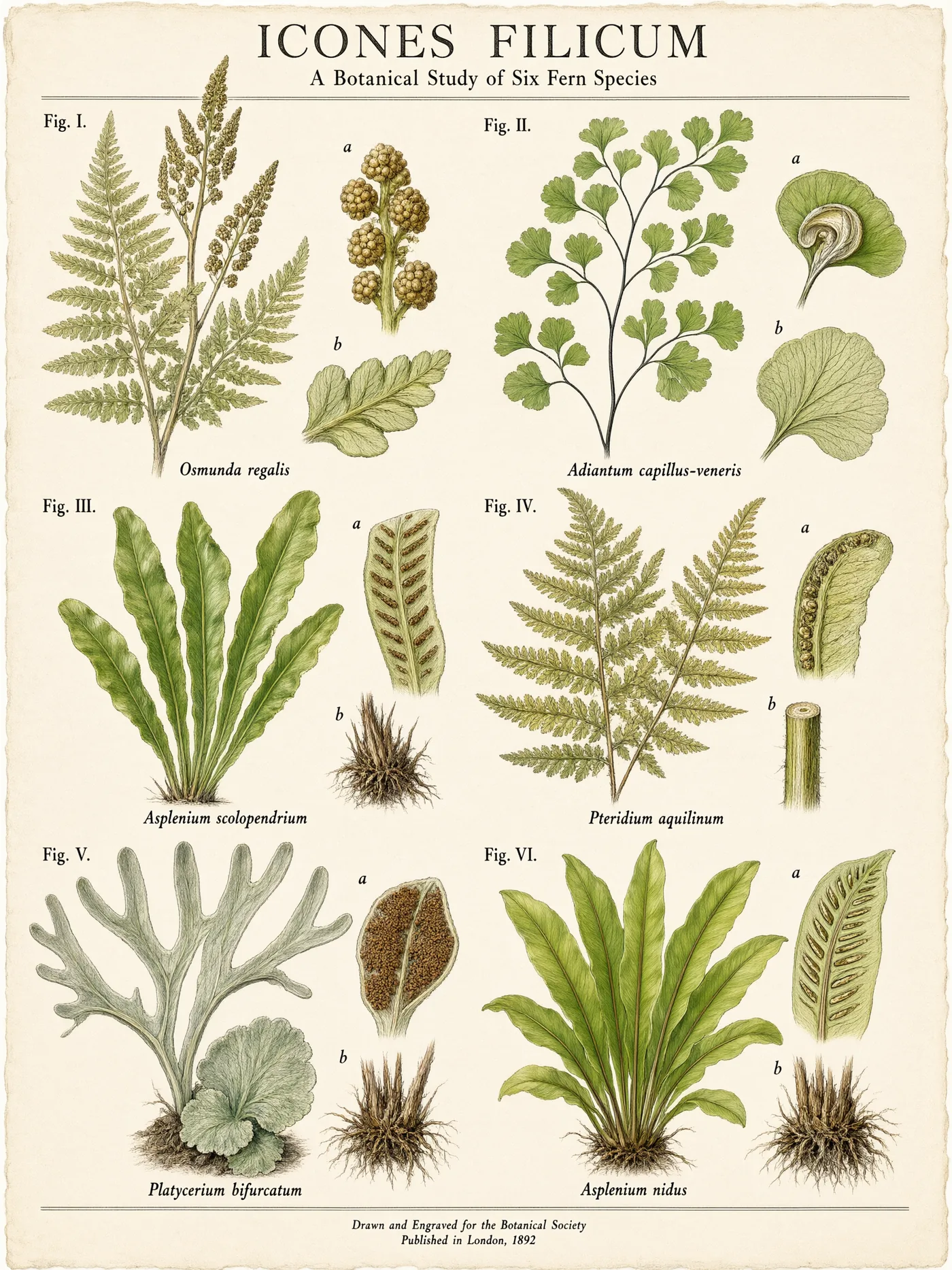
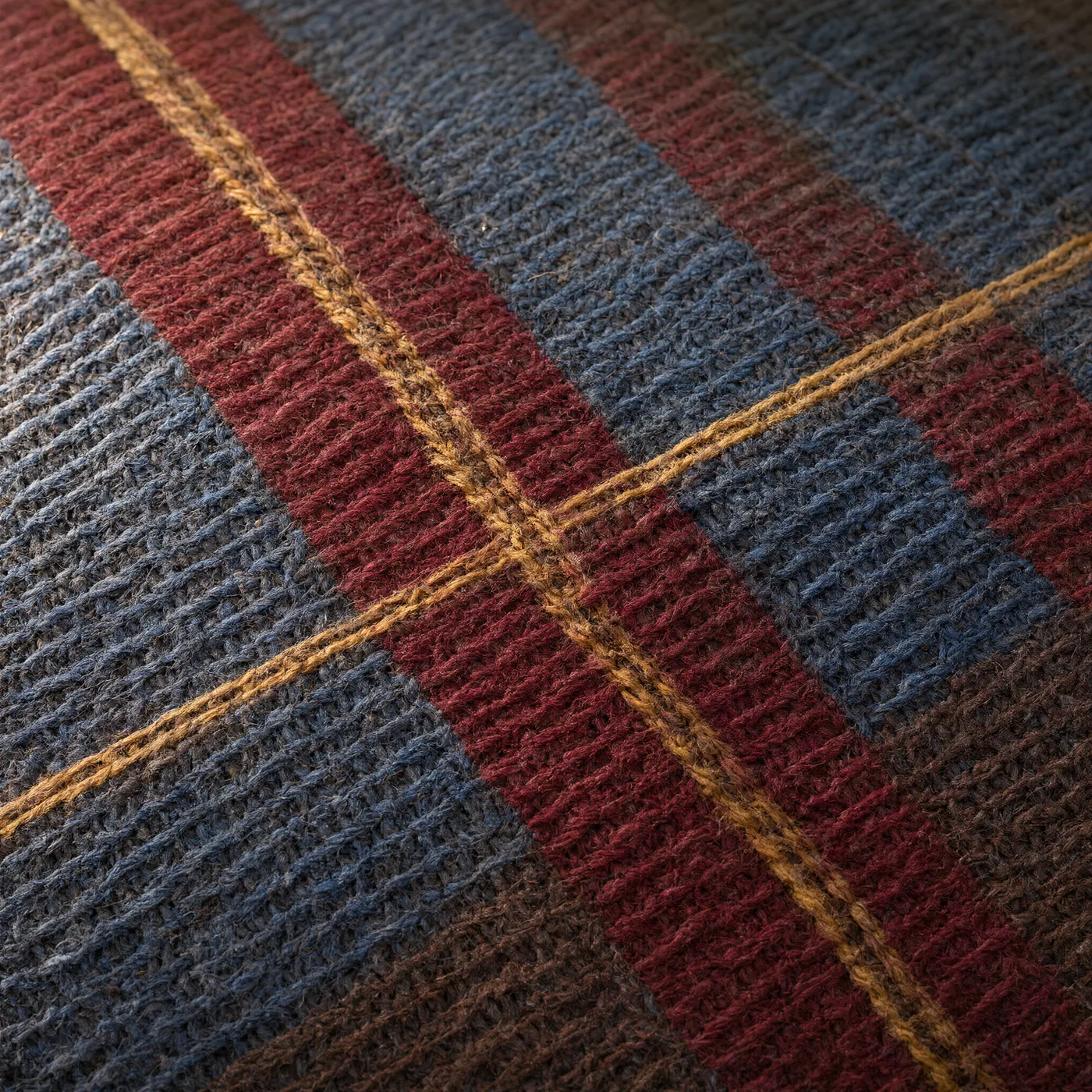
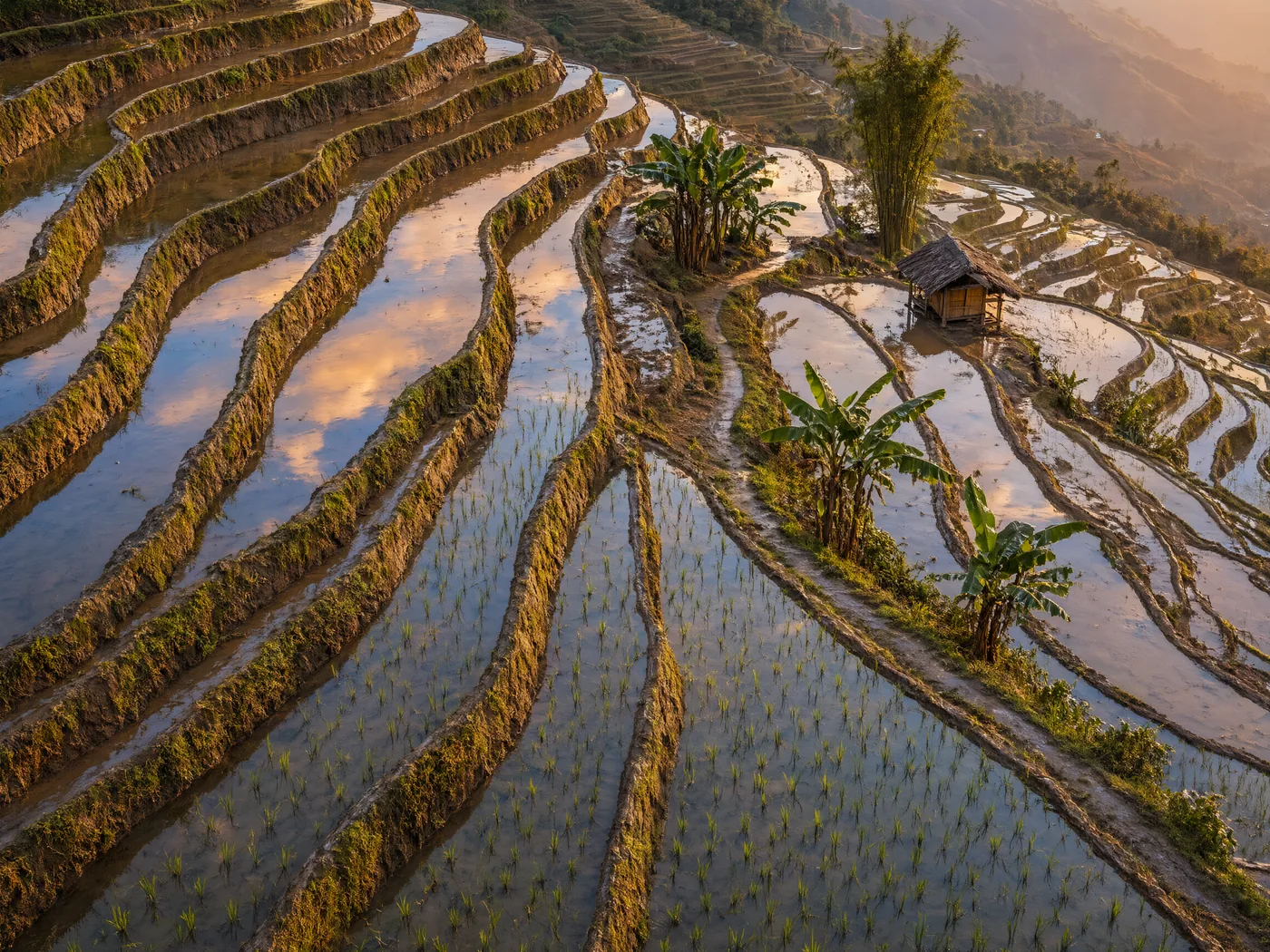
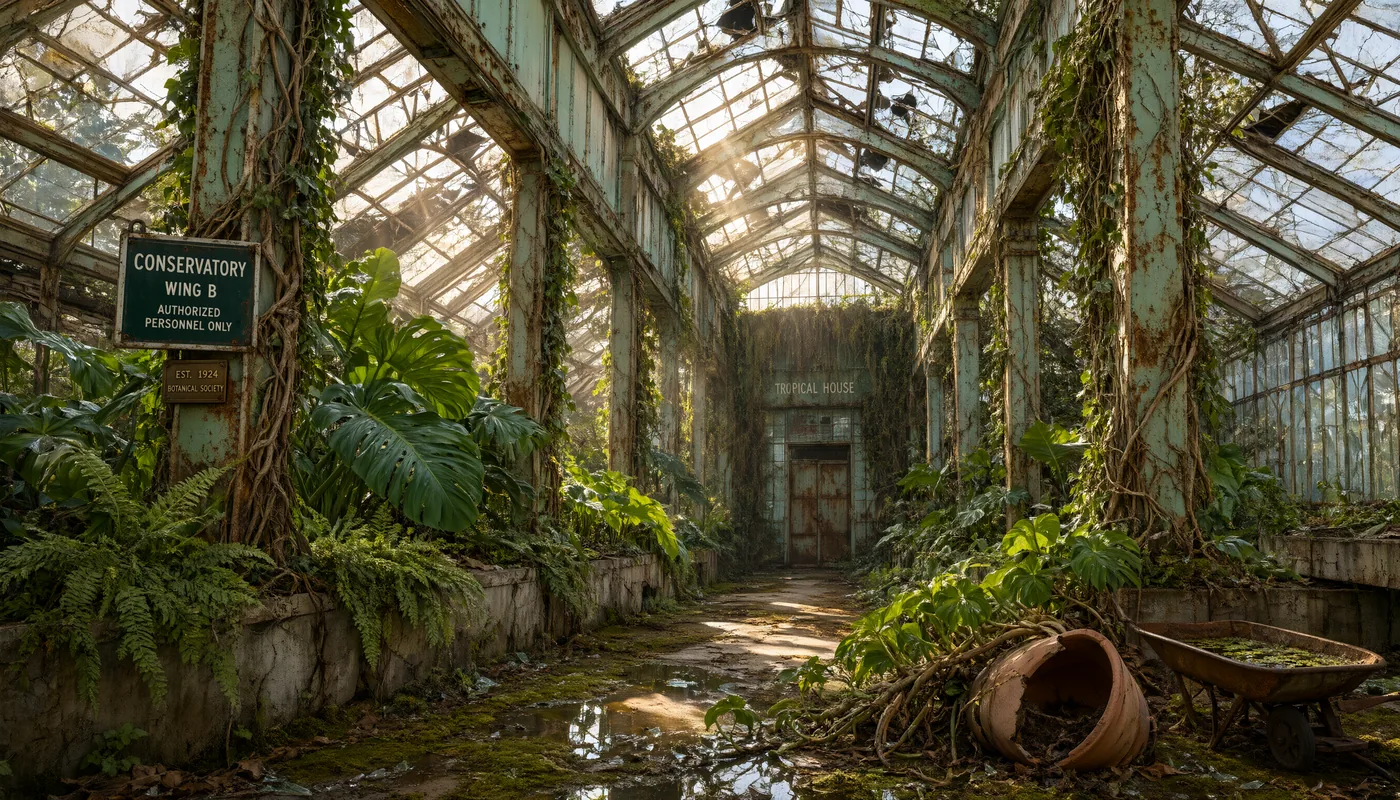
Made with Qwen Image 3 Pro
Four finished results, no interface screenshots. Open one full size and look at the small stuff, because that is the part you are paying for.
Questions people ask first
What does Qwen Image 3 Pro cost?
6 credits per image at 1K and 12 credits per image at 2K. The standard Qwen Image 3 charges a flat 5 credits, whichever resolution you pick.
When do you not need Pro?
Whenever the image is not going to be looked at closely. Thumbnails, social posts, blog headers, moodboards and the first twenty tries at a prompt are all fine on the standard model at 5 credits. At 2K you pay more than double for Pro, so if nobody is ever going to zoom in, that money buys you nothing you can see.
What does Pro actually add?
More detail, and it shows up mainly at 2K, where there are enough pixels to carry fine texture, fabric weave, hair, skin and small material differences. We are not going to hand you a benchmark number, because we do not have one. Run the same prompt and seed on both models at 2K and judge it at full size yourself.
Is Pro worth it at 1K?
At 1K the difference in price is one credit, 6 against 5, so there is little to lose. The difference in the result is also smallest there, because 1K does not have the pixels to show much extra detail. If you work at 1K, try Pro and keep it if you like what you see.
Does Pro have different controls than the standard model?
No. Both do text to image and image to image, take up to 3 reference images, offer the same 8 aspect ratios, output 1K or 2K as PNG or JPEG, accept a negative prompt up to 5,000 characters, take a seed for repeatable results, and have prompt rewriting on by default. The price is the only thing that differs.
Can I use the same prompt and seed on both models?
Yes, and that is the cheapest way to decide. Set a seed, run the prompt on Qwen Image 3 at 2K for 5 credits and on Qwen Image 3 Pro at 2K for 12, and compare the two at full size. 17 credits buys you an answer for your own kind of work instead of ours.
Test at 1K, finish at 2K.
Six credits tells you whether the prompt holds up. Spend the twelve once, on the frame you are actually going to use.