Use Canva for
Typography, reusable brand templates, Presentations, team feedback, and campaign layouts that combine several elements.
UlazAI - AI Image & Video Tools
Canva alternative for product shots
Keep Canva for text and templates. Use UlazAI when the product image itself needs to be generated or edited.
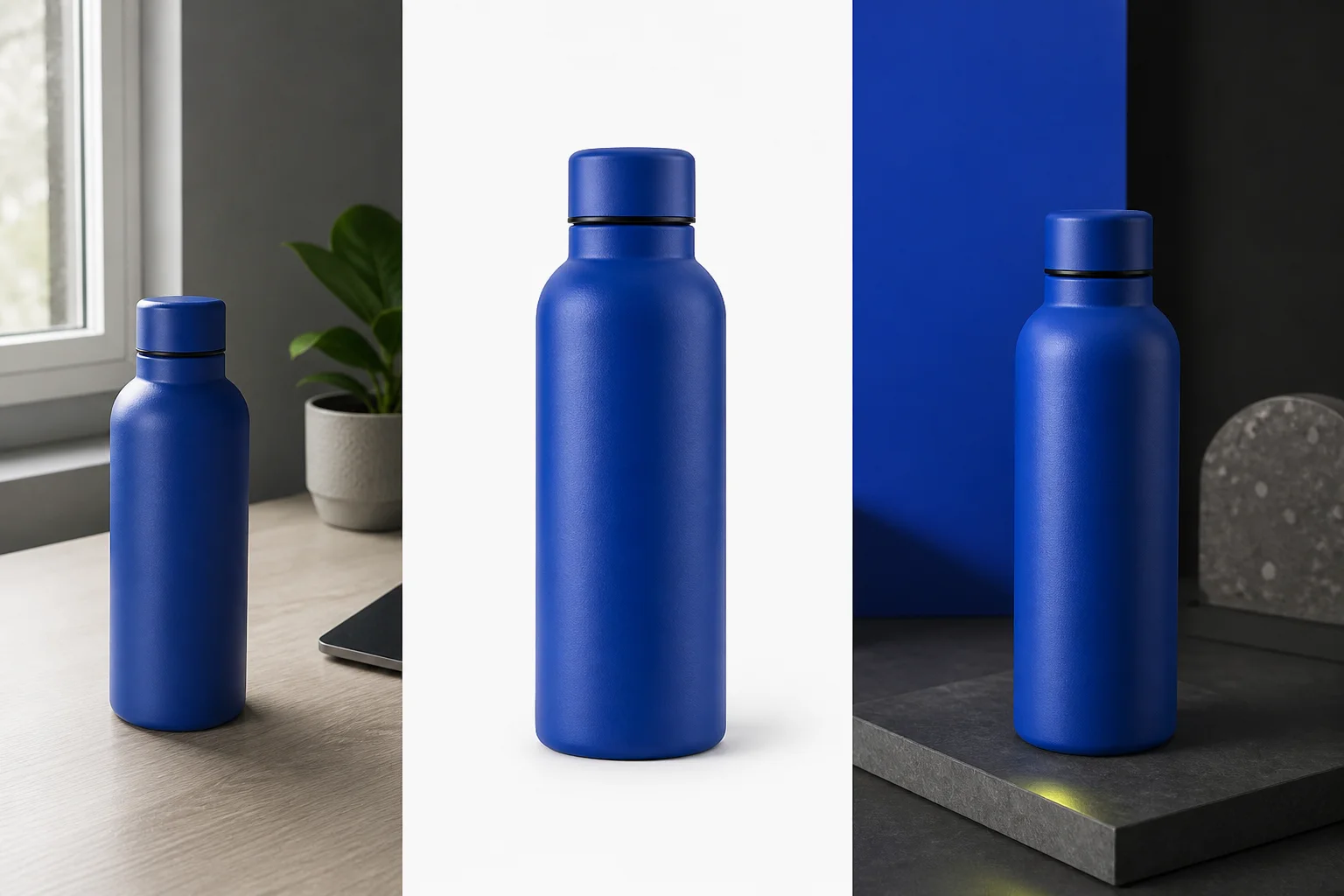
These tools overlap at the edges, but they solve different bottlenecks. Switching only makes sense when editing the product image is the work.
Typography, reusable brand templates, Presentations, team feedback, and campaign layouts that combine several elements.
Generating or editing the product image from a prompt, with an uploaded reference when the selected model supports image editing.
Start from one real photo. Ask for one clean ecommerce image and one styled campaign image, then compare the result against the source.
Check shape, color, cap, label geometry, material and every feature a customer will receive.
Can you change the background or art direction without the product drifting with it?
Count the prompts, retries and manual corrections needed for a publishable result.
Compare the credit packages used for accepted images, not the price of a single first attempt.


Do not replace Canva when the deliverable depends on exact typography, a locked brand template, collaborative layout work, or a presentation. Generate or edit the product image in UlazAI, then finish the layout in the tool that handles layout best.
Upload a source image, choose an editing-capable model, and make two useful outputs. Keep the workflow only if the product stays recognisable and the accepted result takes less work.